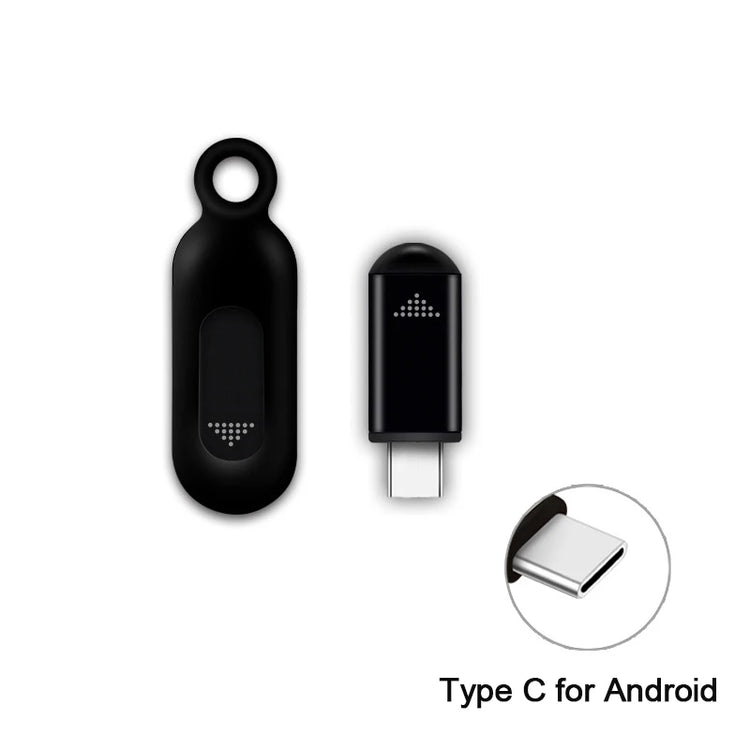
USB Type C Mobile Phone IR Blaster Smart Infrared Transmitter Universal Remote Control Adapter For TV Air Conditioner
- Regular price
-
$9.29 - Regular price
-
$0.00 - Sale price
-
$9.29
Couldn't load pickup availability
Shipping information
US (3 to 5 business days)
International (6 to 12 business days)
Returns information
We have a 30-day return policy, which means you have 30 days after receiving your item to request a return.



Product Details
SPECIFICATIONS
Brand Name: NONE
Choice: yes
Frequency: 433 MHz
High-concerned chemical: None
Origin: Mainland China
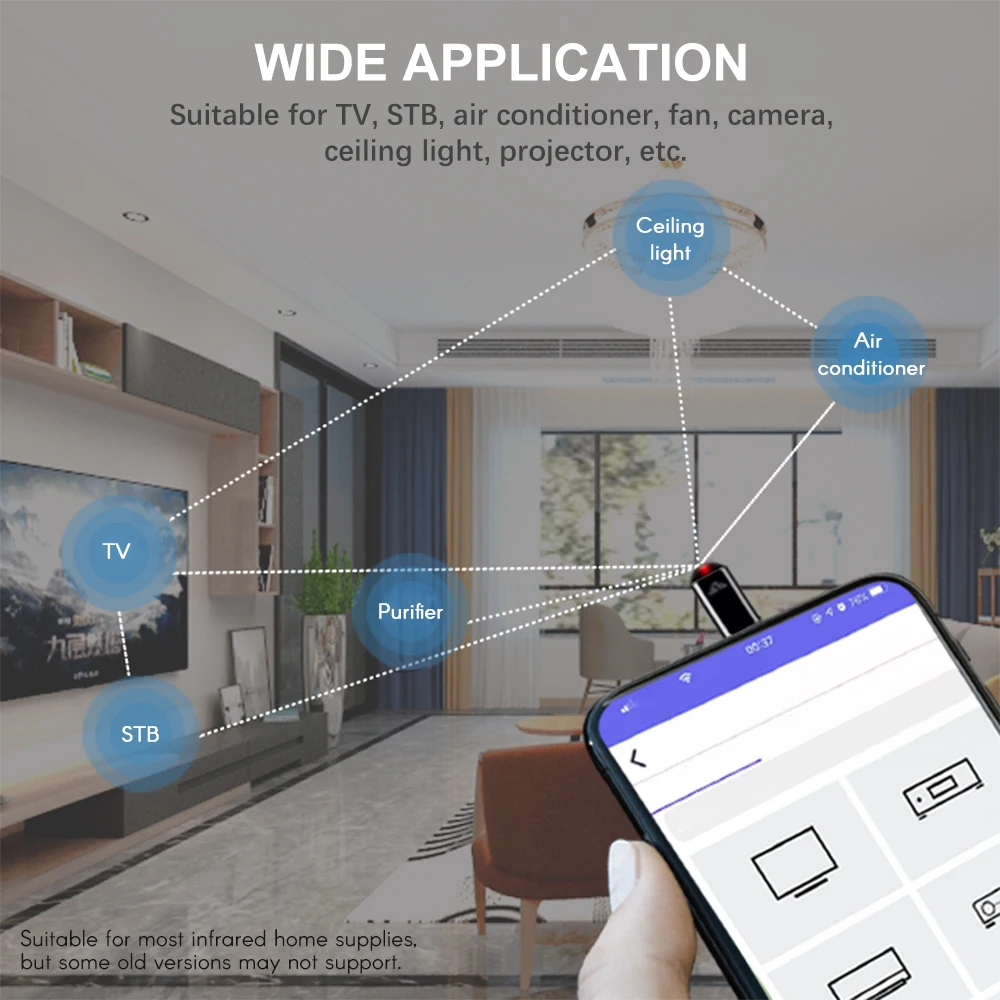
Use: TV,Air Conditioner,Universal
Wireless Communication: IR
Model: EKX4S
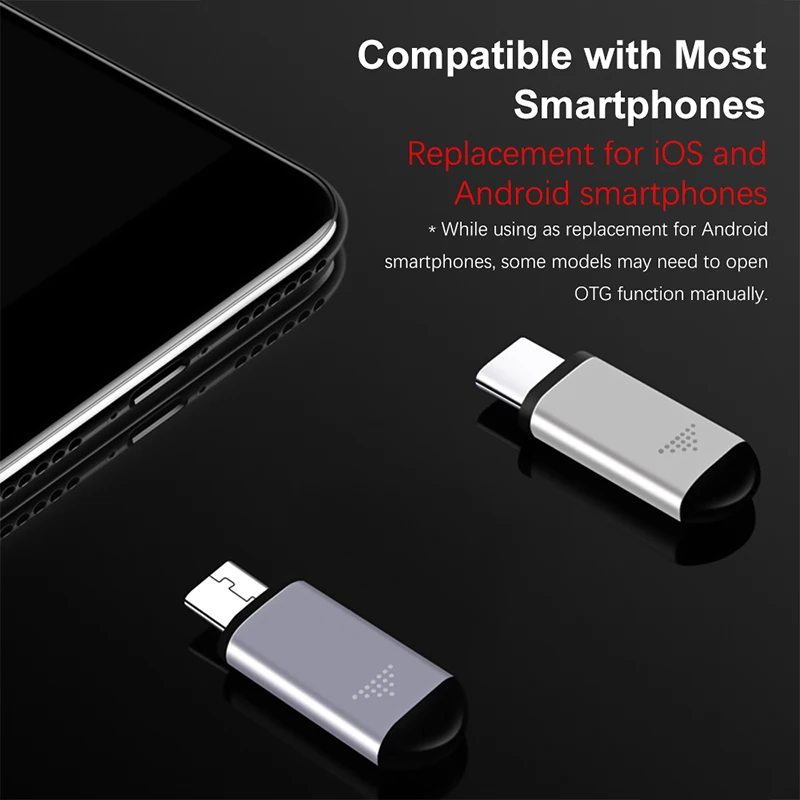
Applicable mobile phone interface: TypeC(The plug is not compatible, please select the appropriate version according to your phone system), Lighting,
Applicable products: iOS Apple, Android
Suitable for: air conditioner, TV, set-top box, camera and other infrared electrical remote control
Infrared wavelength: 940nm
Transmission frequency: 38Khz 56Khz
Weight and volume:
Single set of products (with packaging): about 19g 8.5x5.5x2.5cm
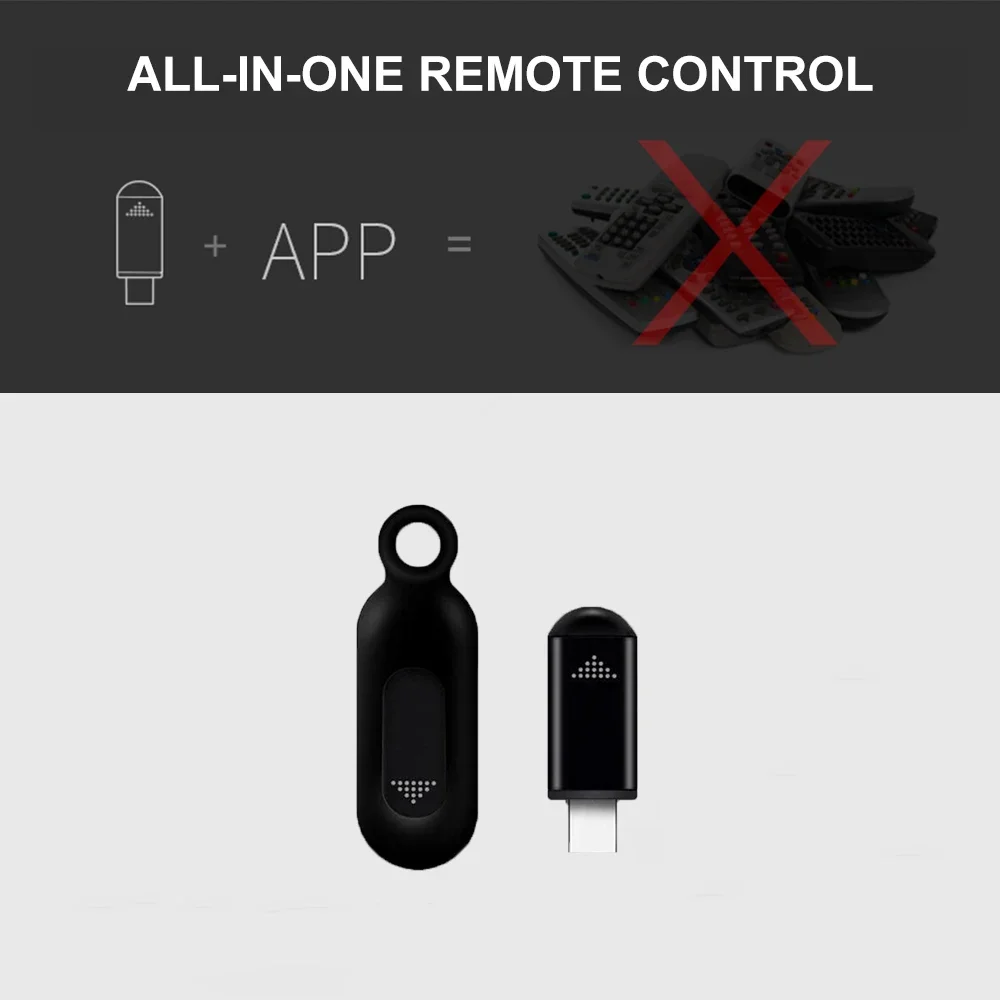
IOS:Search and download Uni TV Remote in Apple Stor/Search for "ocrustar"in App Store to download APP
Android :Search and download zaza remote in Google Store
(Different countries have different APP names. You can search for universal remote controls. The one with the highest download count will be compatible.)