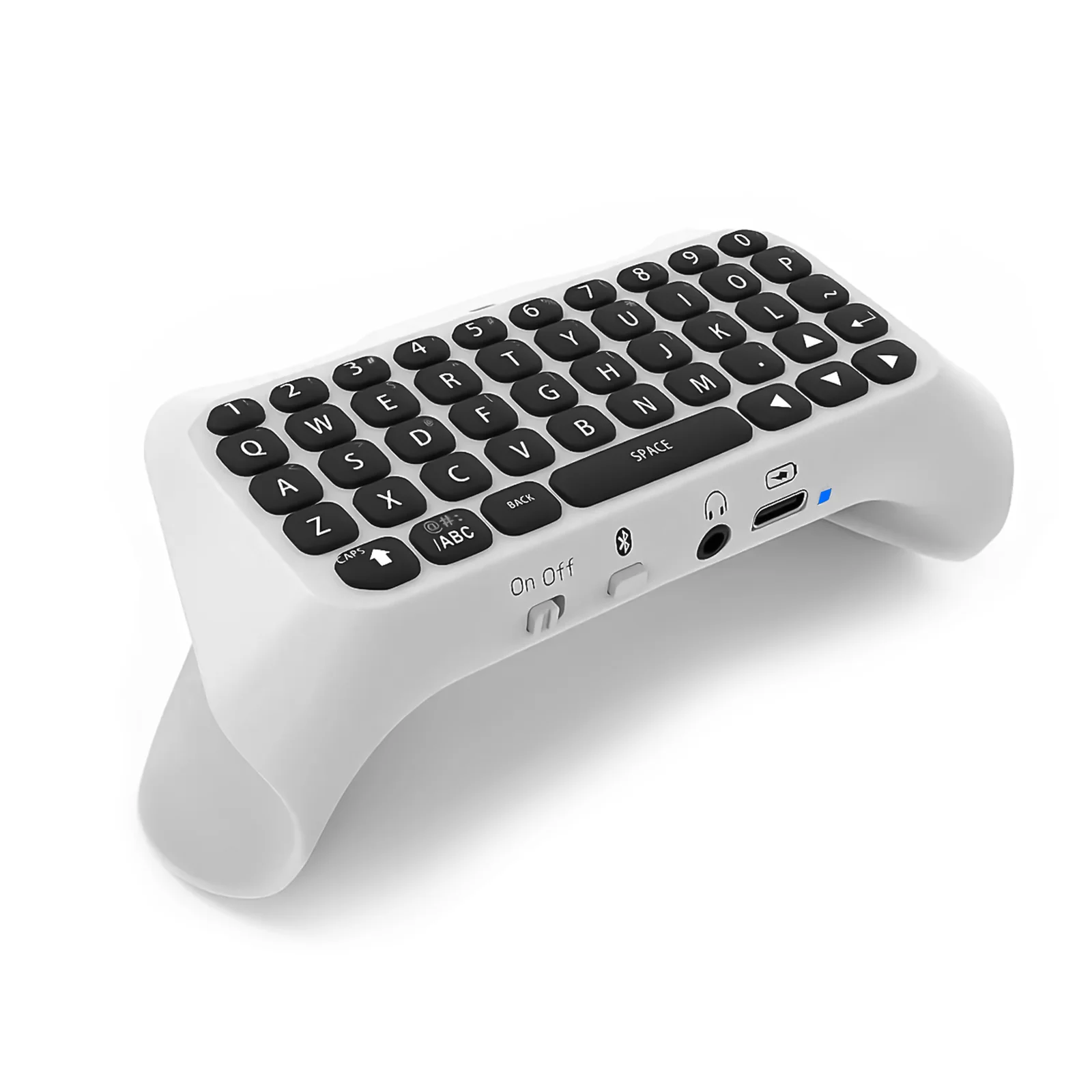
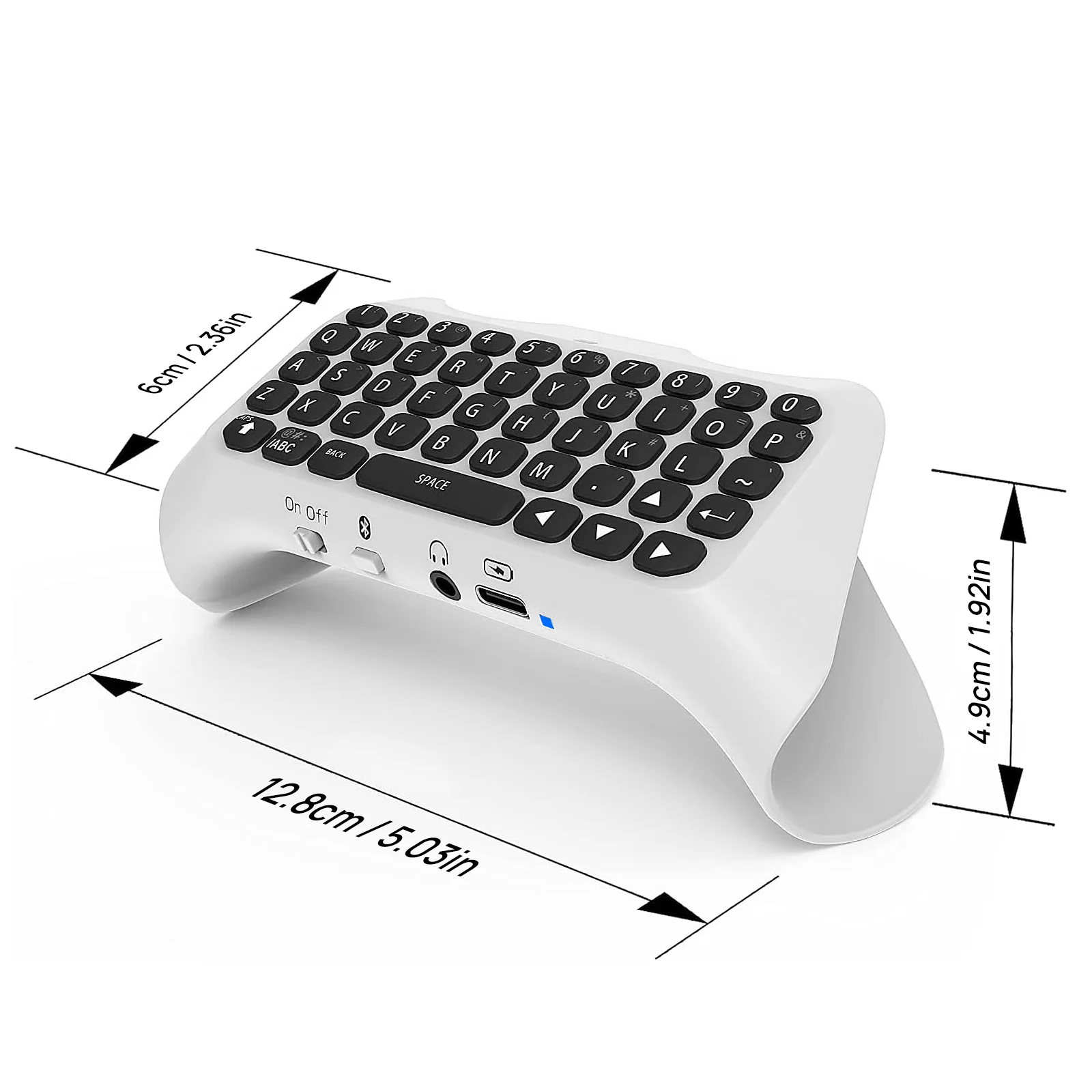
Wireless Controller Keyboard for PS5/PS5 Pro Slim, Bluetooth 3.0Mini Portable Gamepad Chatpad with Built-in Speaker&3.5MM Audio
- Regular price
-
$35.32 - Regular price
-
$0.00 - Sale price
-
$35.32
Couldn't load pickup availability
Shipping information
US (3 to 5 business days)
International (6 to 12 business days)
Returns information
We have a 30-day return policy, which means you have 30 days after receiving your item to request a return.



Product Details
SPECIFICATIONS
Accessories Type: Controller Keyboard
Brand Name: Hinovo
Compatible Brand/Model: Sony
Compatible Sony Model: playstation
Electric: No
Hign-concerned Chemical: None
Model Number: PS5-KB01
Origin: Mainland China
With USB: NO
About this item
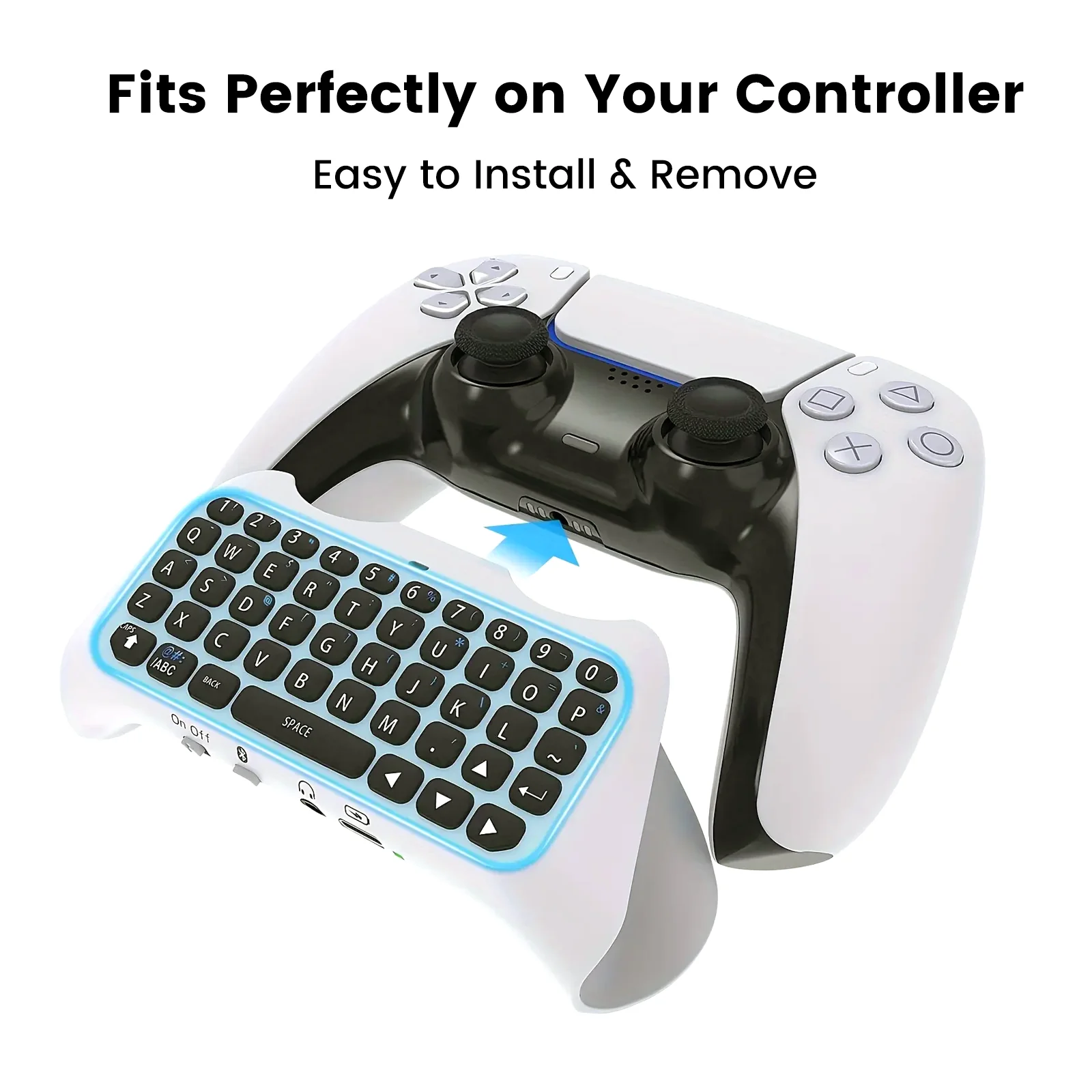
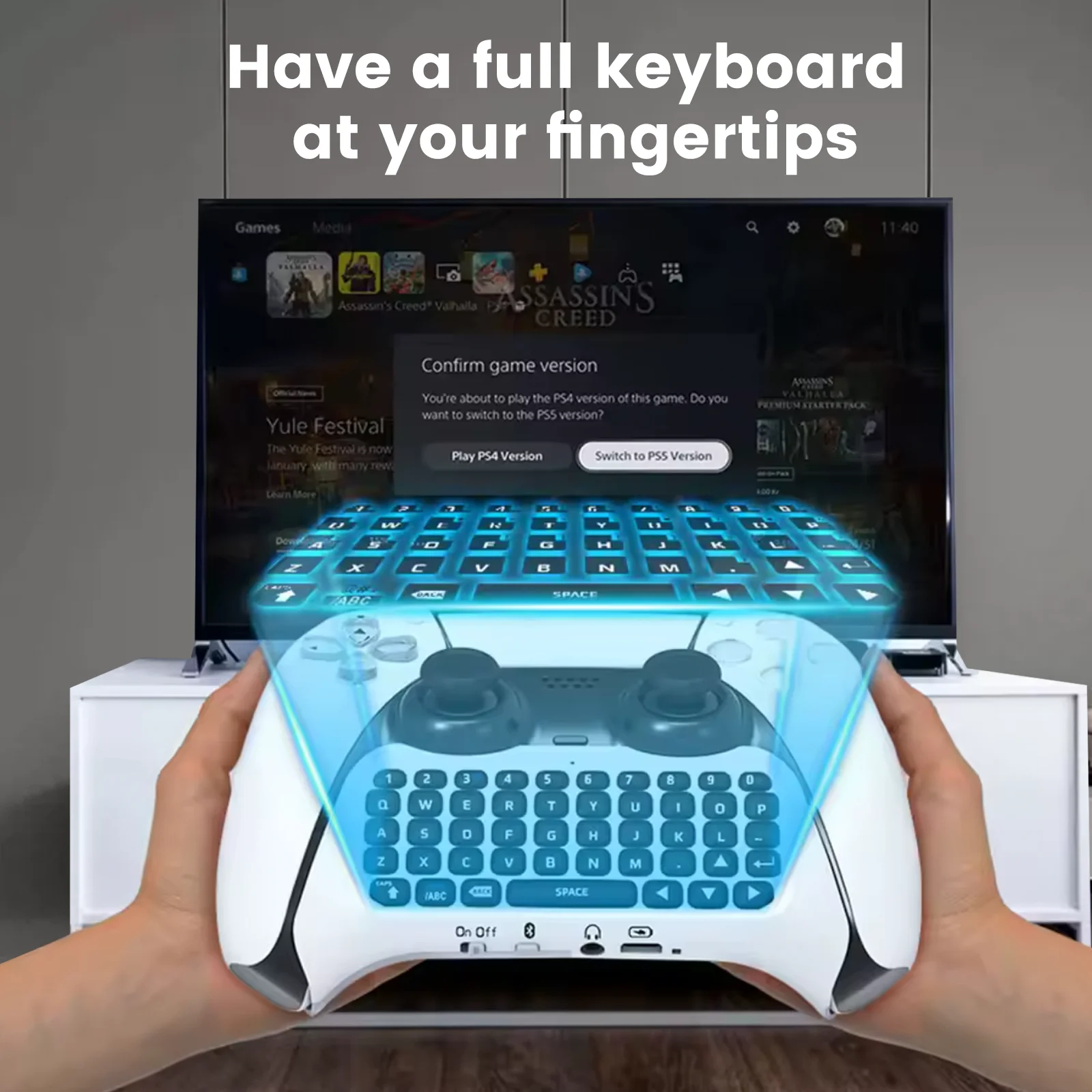
【Ergonomic design】The bluetooth controller keyboard for PS5/PS5 Pro Console is ergonomically designed to enhance the gaming experience, full game keyboard perfect fit for PS5/PlayStation 5 Pro controller.(Note: The controller and keyboard can’t charger at the same time; only the keyboard is charged)
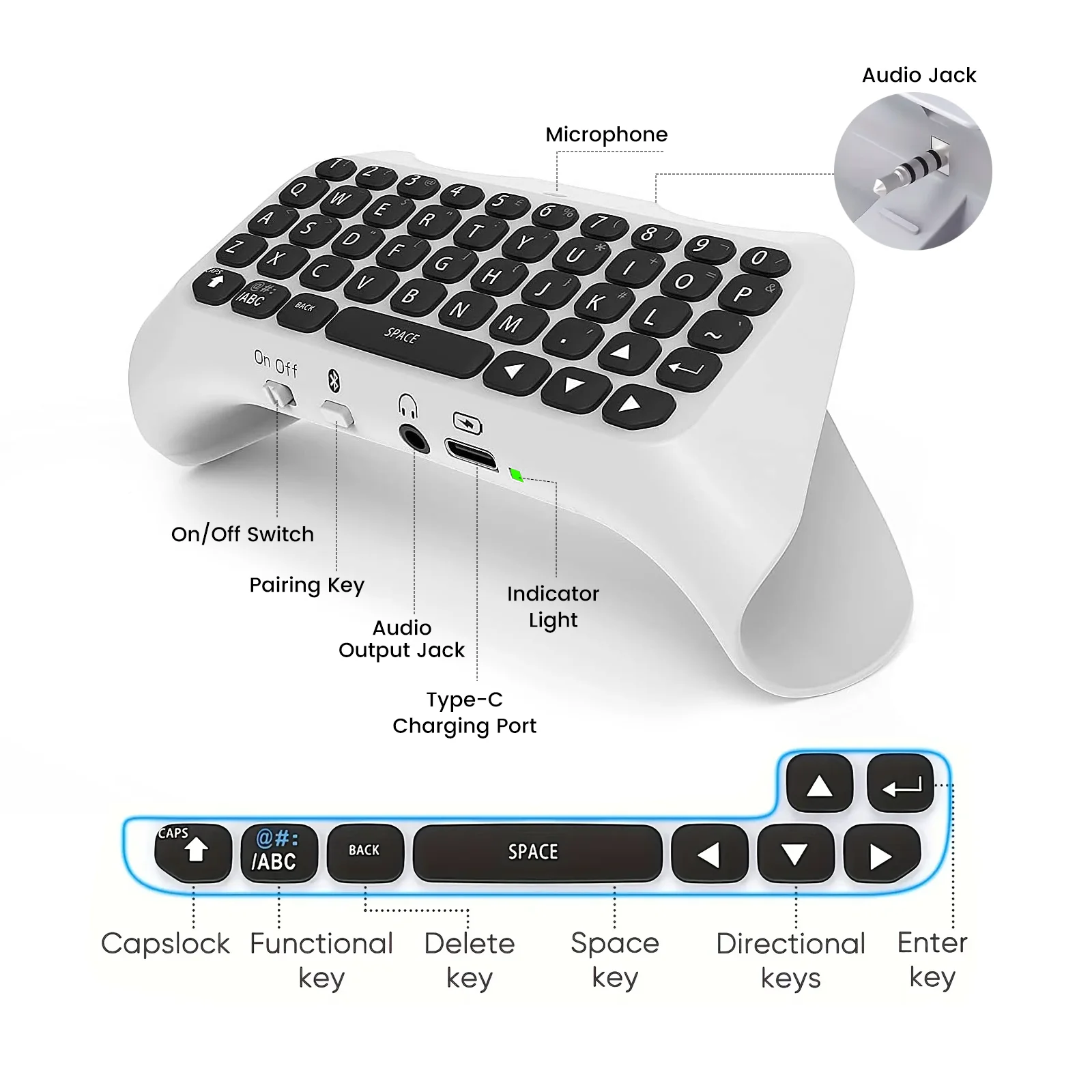
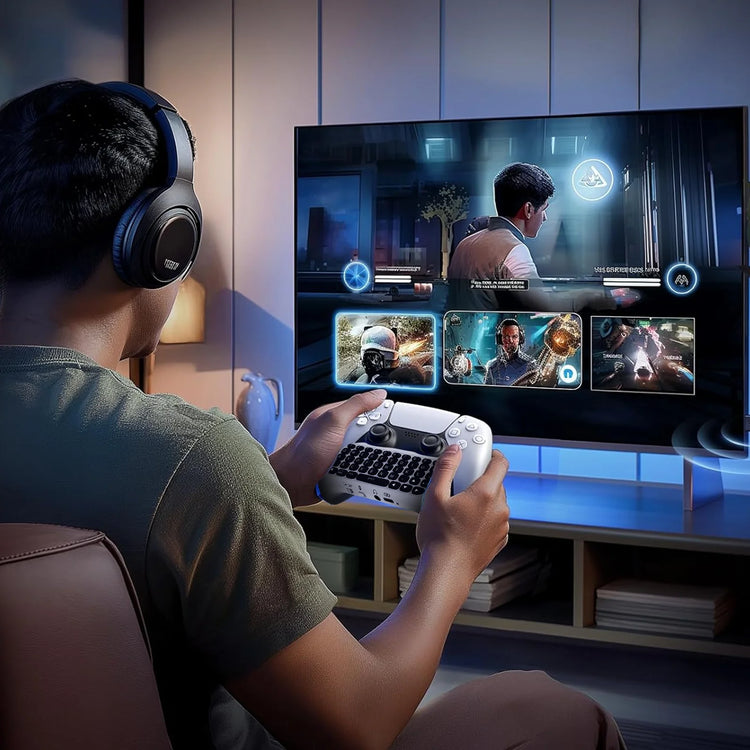
【Voice chat board】Complete for PS5/PS5 Pro QWERTY keyboard and voice chat board for messaging and chatting, convenient for you and your teammates to dominate and enjoy game better.(Before using, please make sure that the keyboard is powered and matched successfully, otherwise the keyboard will not work.)
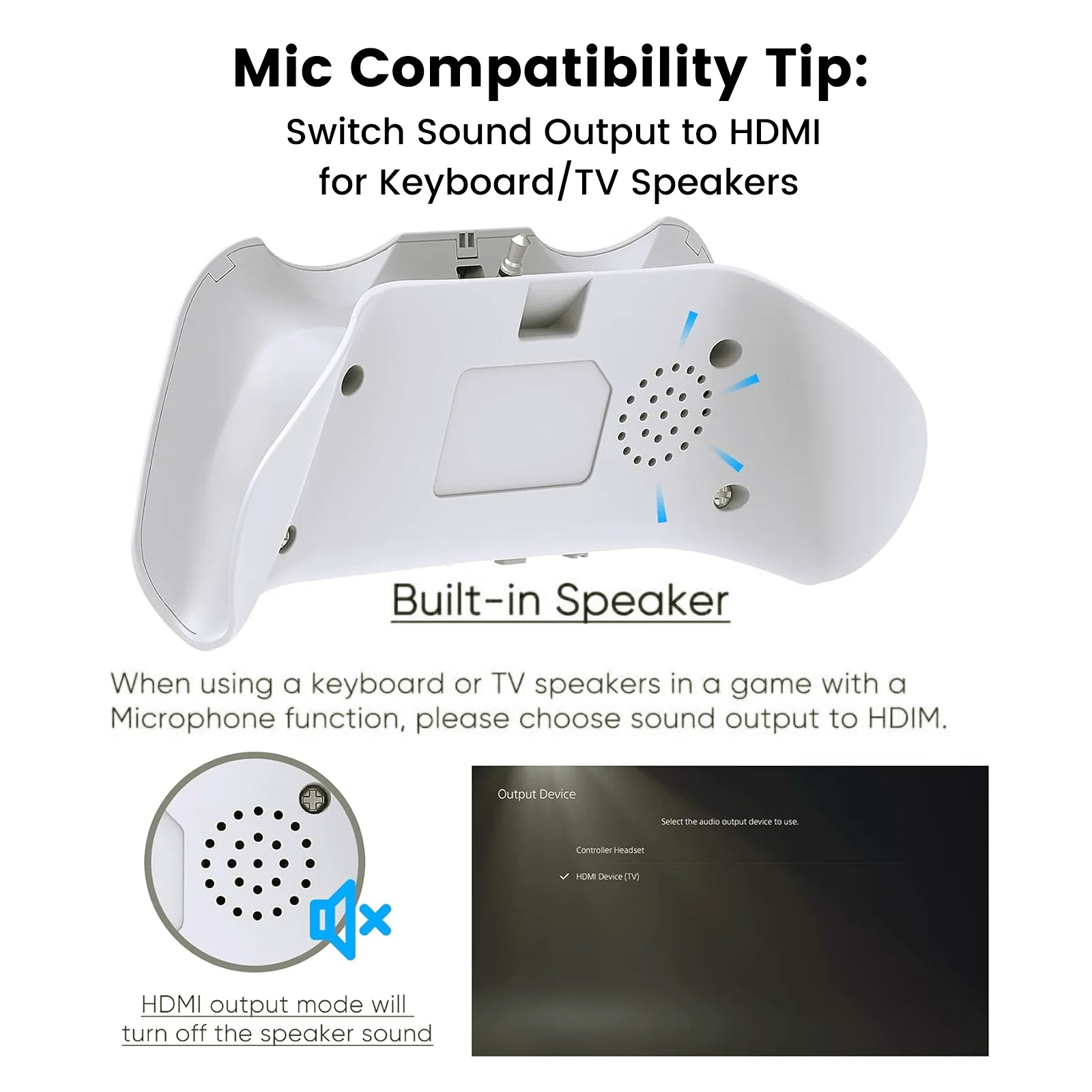
【Built in speaker】The built-in speaker allows users to listen to all chat audio directly from the keyboard without using a headset, you can also disable this function for PS5/PS5 Pro settings menu and use an external headset.
【Easy to install& carry】Easily snaps into place with no additional software to install in order to run. Small size, light weight, easy to carry. The indicator light show red when charging, and when fully charged the light out. NOTE: After entering the passkey, you need to press the ENTER key to confirm. The detailed operation can be seen in the video.
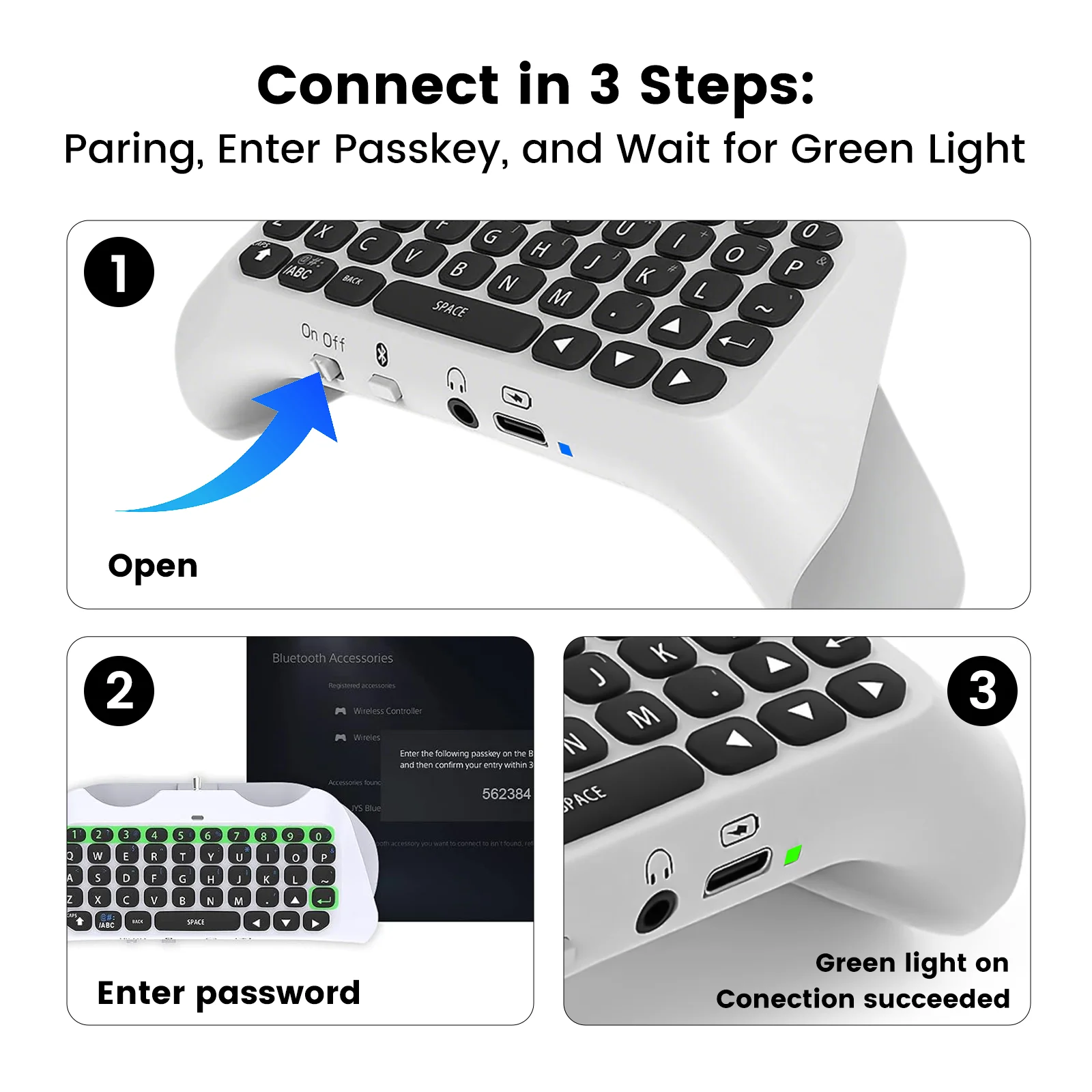
【Pair automatically】Enter the passkey on the wireless keyboard and then confirm your entry within 30 seconds, the indicator light is green when the connection is successful. After the connection is successful, you can use the keyboard again to pair automatically. If the pairing fails, you can restart the keyboard, or delete the pairing information to pair again.