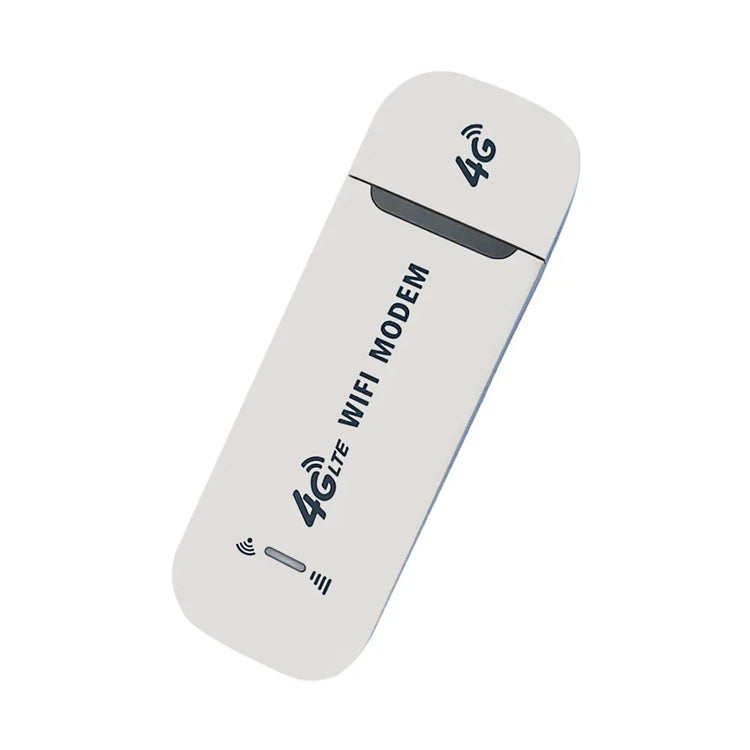
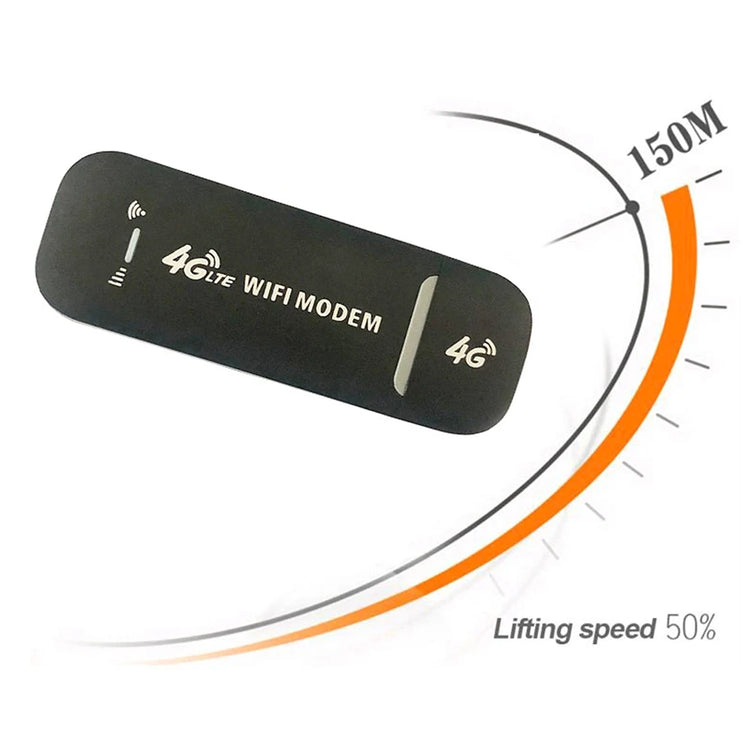
4G LTE Wireless USB Dongle WiFi Router 150Mbps Portable Mobile Broadband Modem Stick SIM Card 4G Wireless Router Network Adapter
- Regular price
-
$10.43 - Regular price
-
$10.43 - Sale price
-
$10.43
Couldn't load pickup availability
Shipping information
US (3 to 5 business days)
International (6 to 12 business days)
Returns information
We have a 30-day return policy, which means you have 30 days after receiving your item to request a return.



Product Details
SPECIFICATIONS
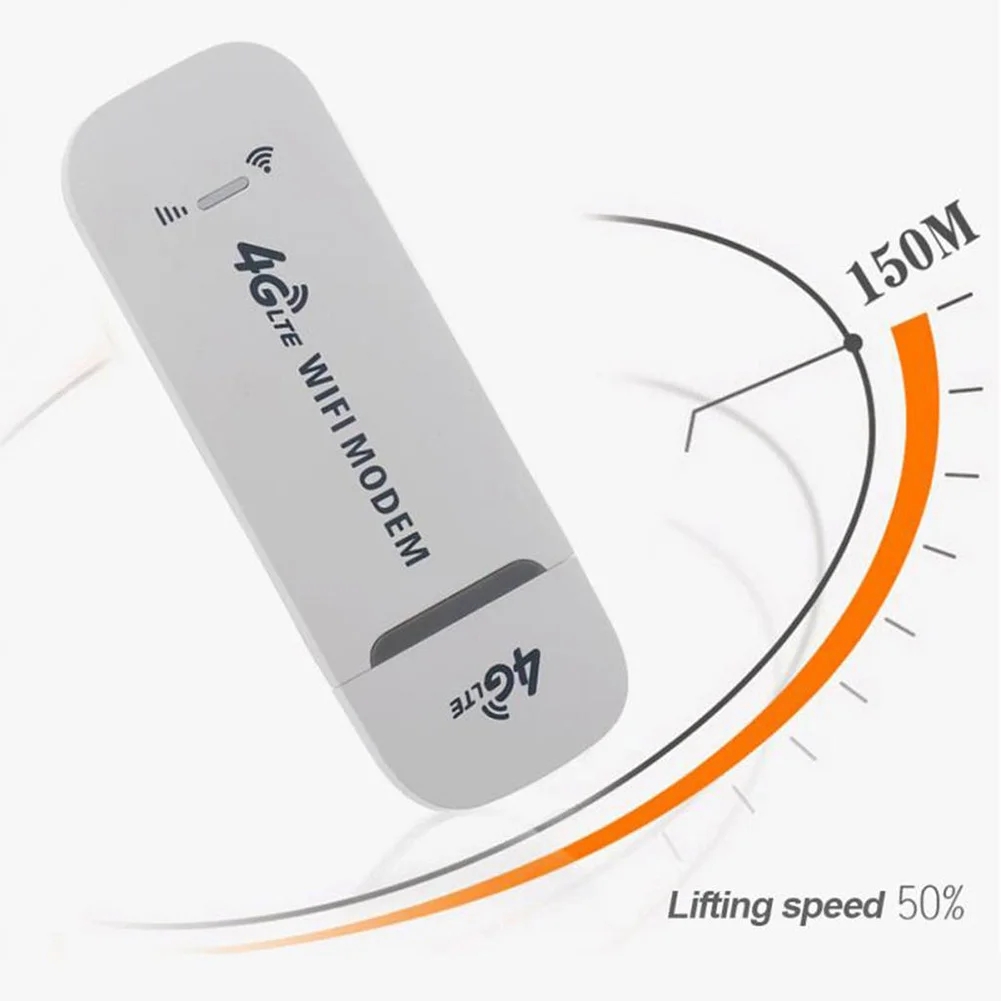
2.4G Wi-Fi Transmission Rate: 150 Mbps
Antenna Type: Internal
Brand Name: NONE
Certification: NONE
Choice: yes
Frequency: 2.4 GHz
Frequency Band Class: Dual-Band
High-concerned chemical: None
Origin: Mainland China
Recommended Uses: Home
Standards And Protocols: Wi-Fi 802.11g
Support Mesh: Not Supported
Supports WDS: No
Telecomcableconnected: Yes
Type: WireLess
Wi-Fi Supported Frequency: 2.4G & 5G
Wi-Fi Transmission Standard: 802.11n
Wireless Communication Standard: 802.11.a
Wireless transmission rate: 150m
With Modem Function: No
semi_Choice: yes

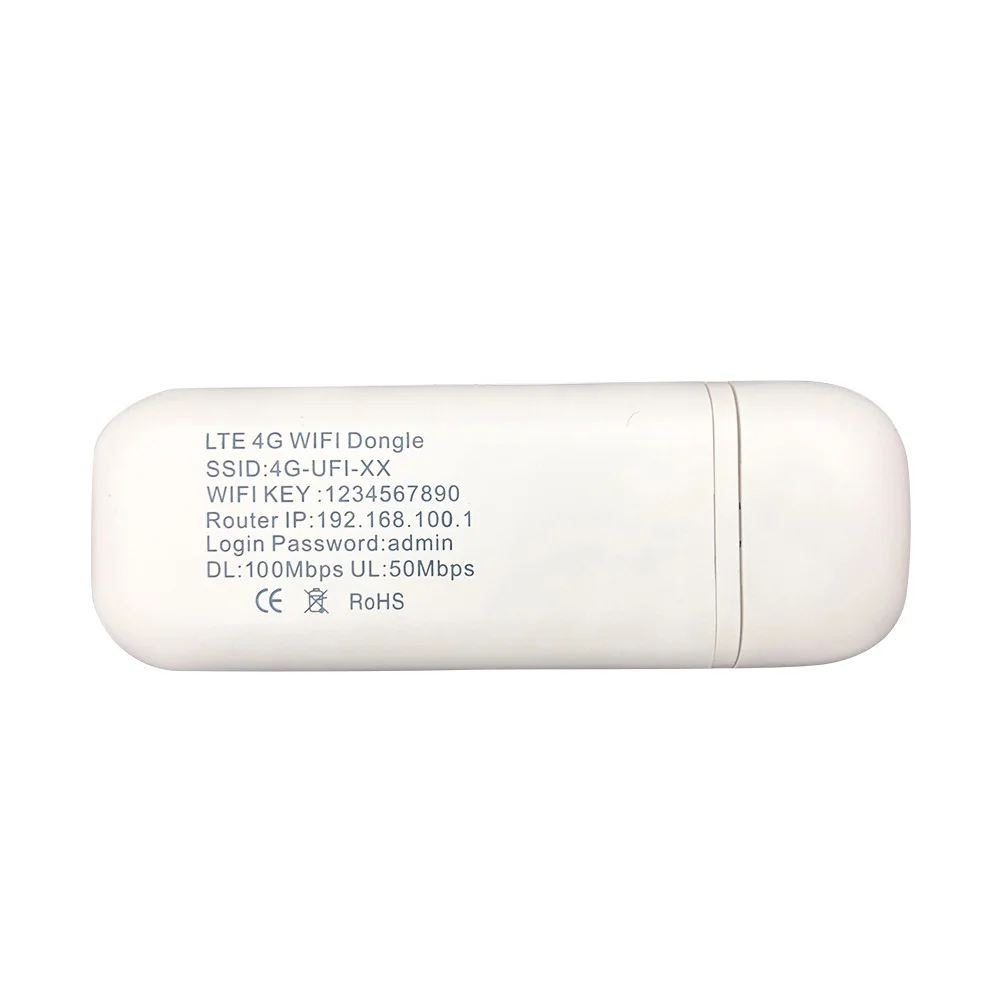
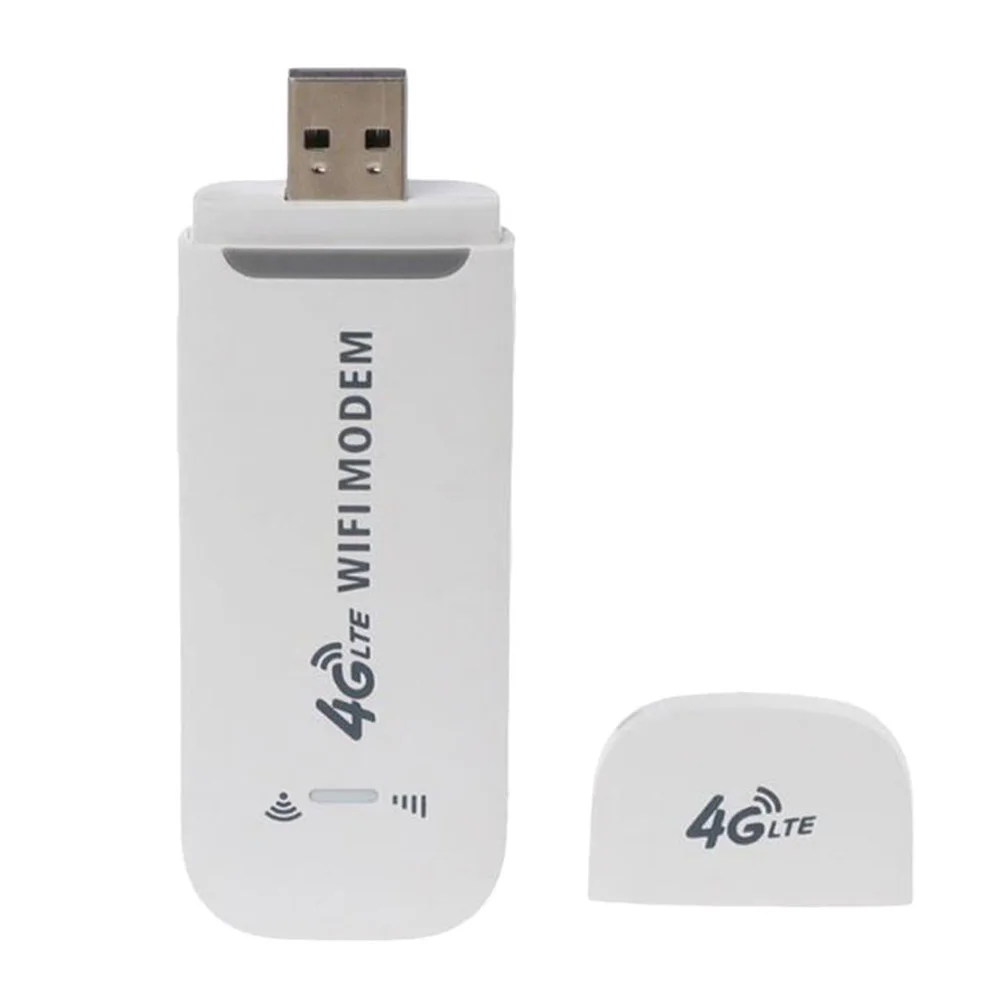
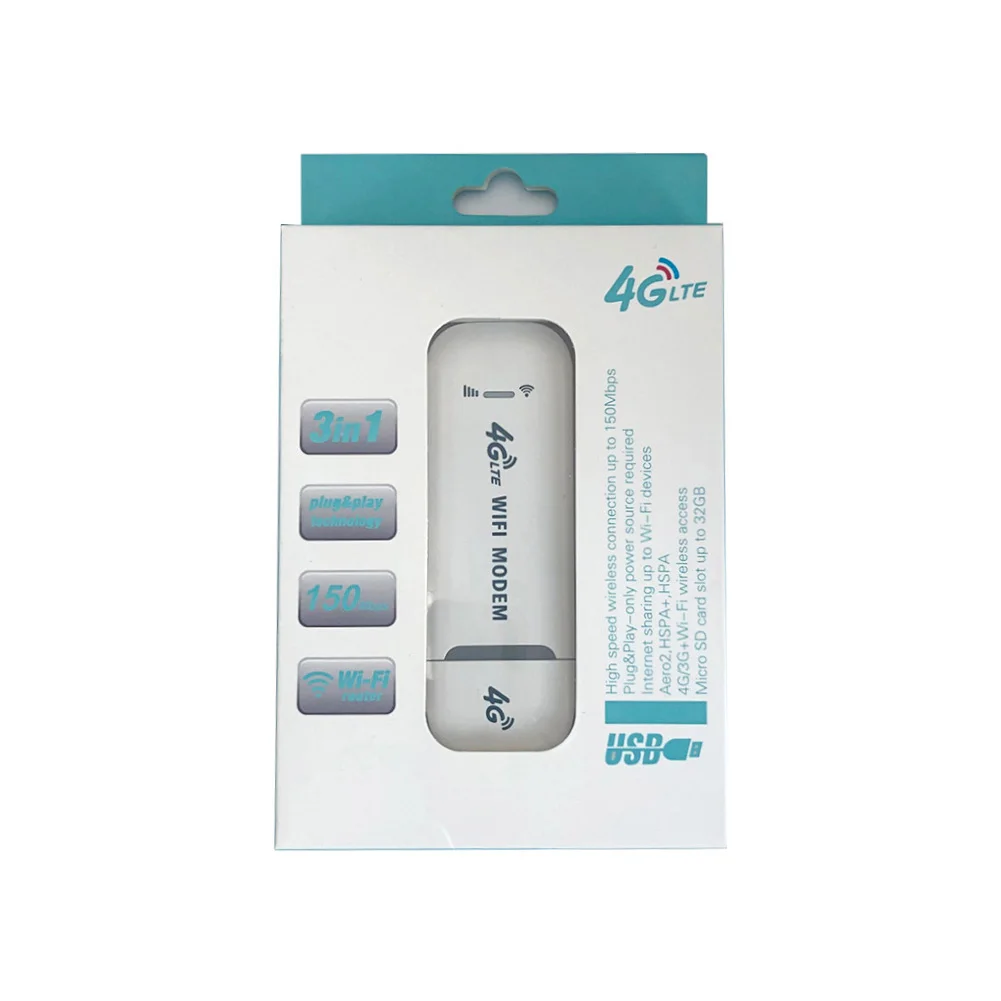
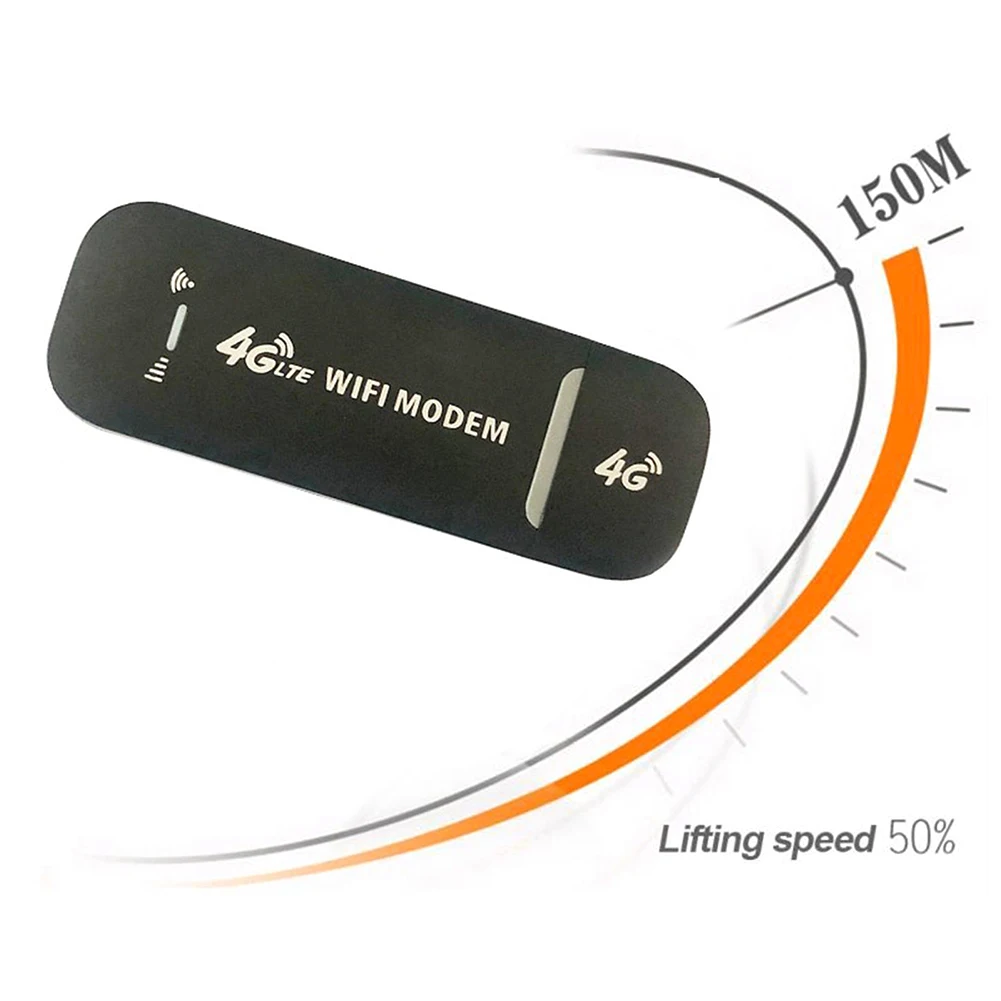
4G LTE USB 150Mbps Modem Stick Portable Wireless WiFi Adapter 4G Card Router for Home Office
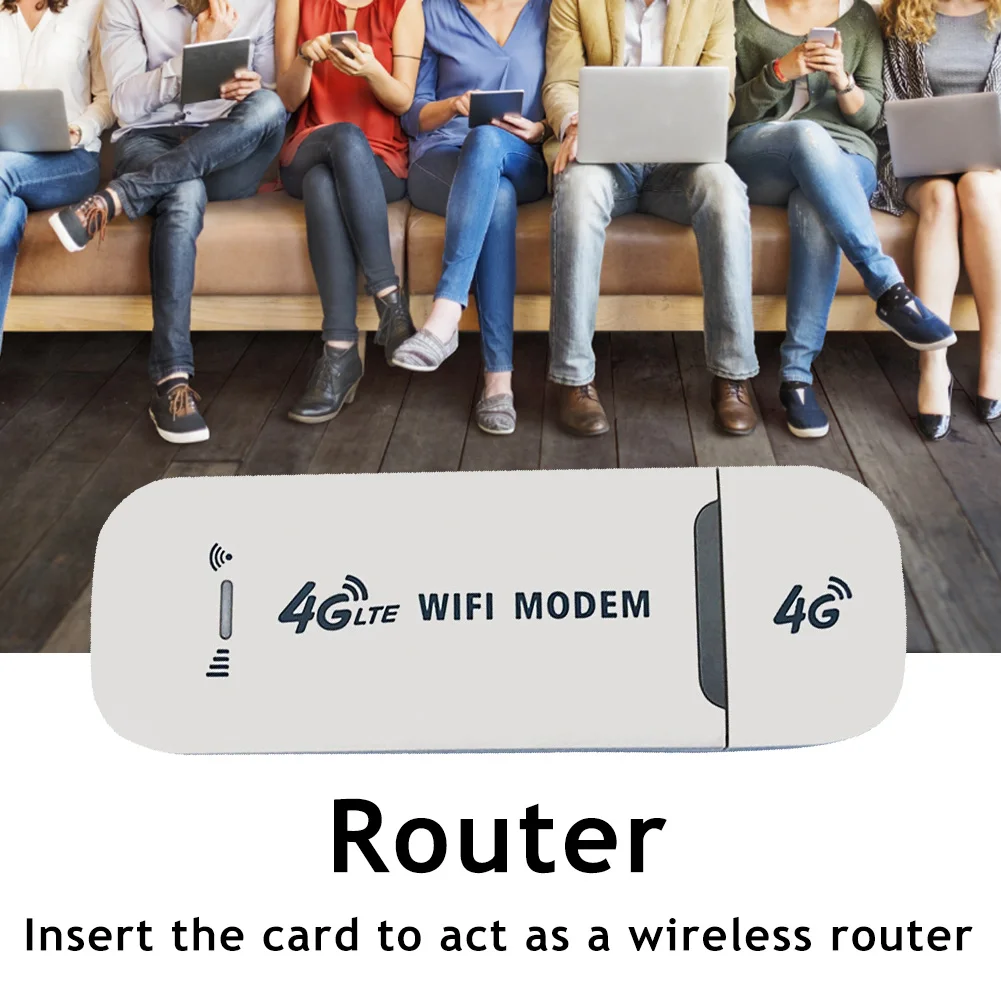
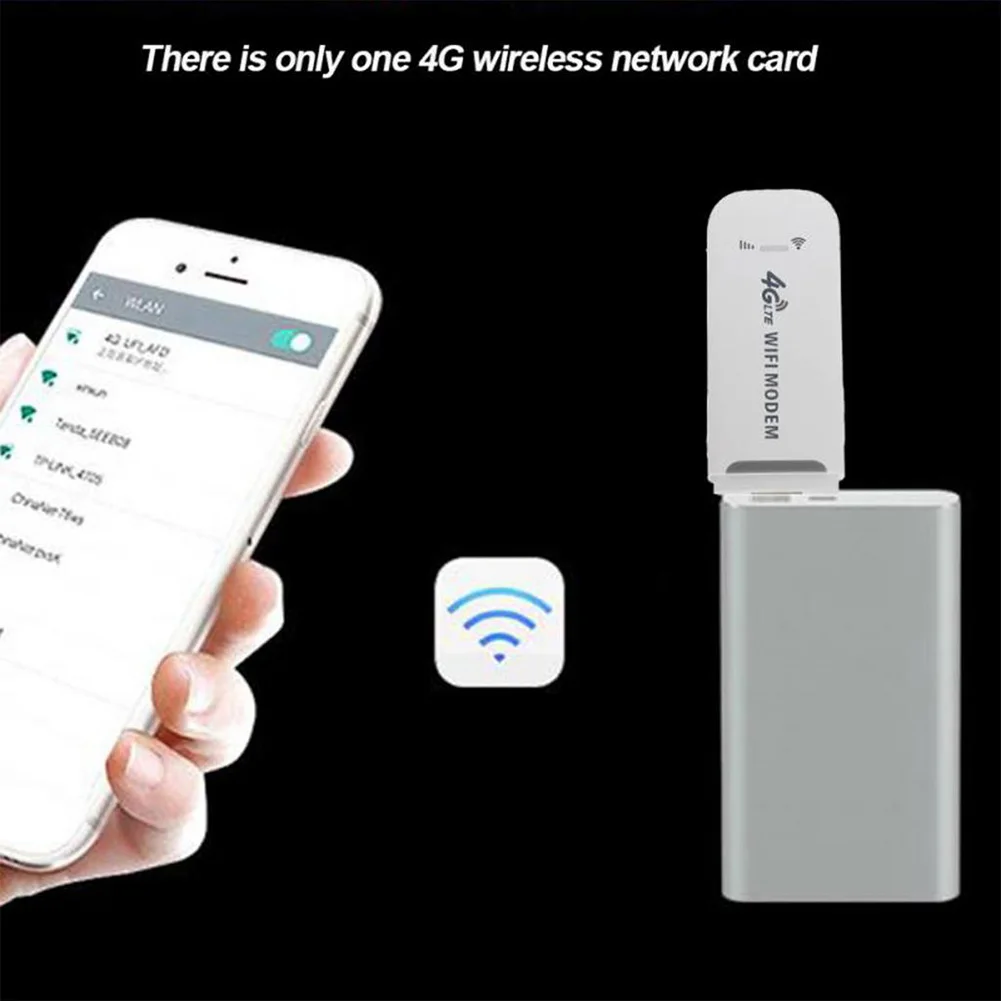
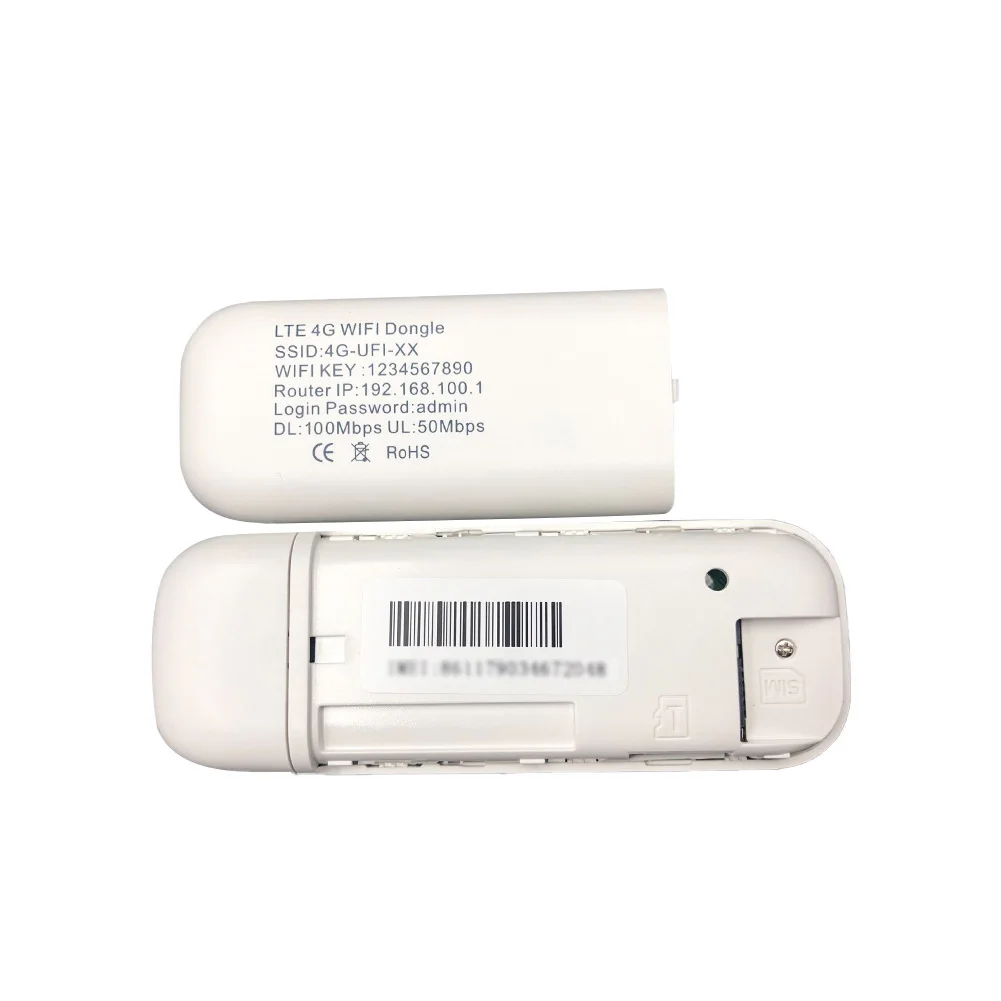
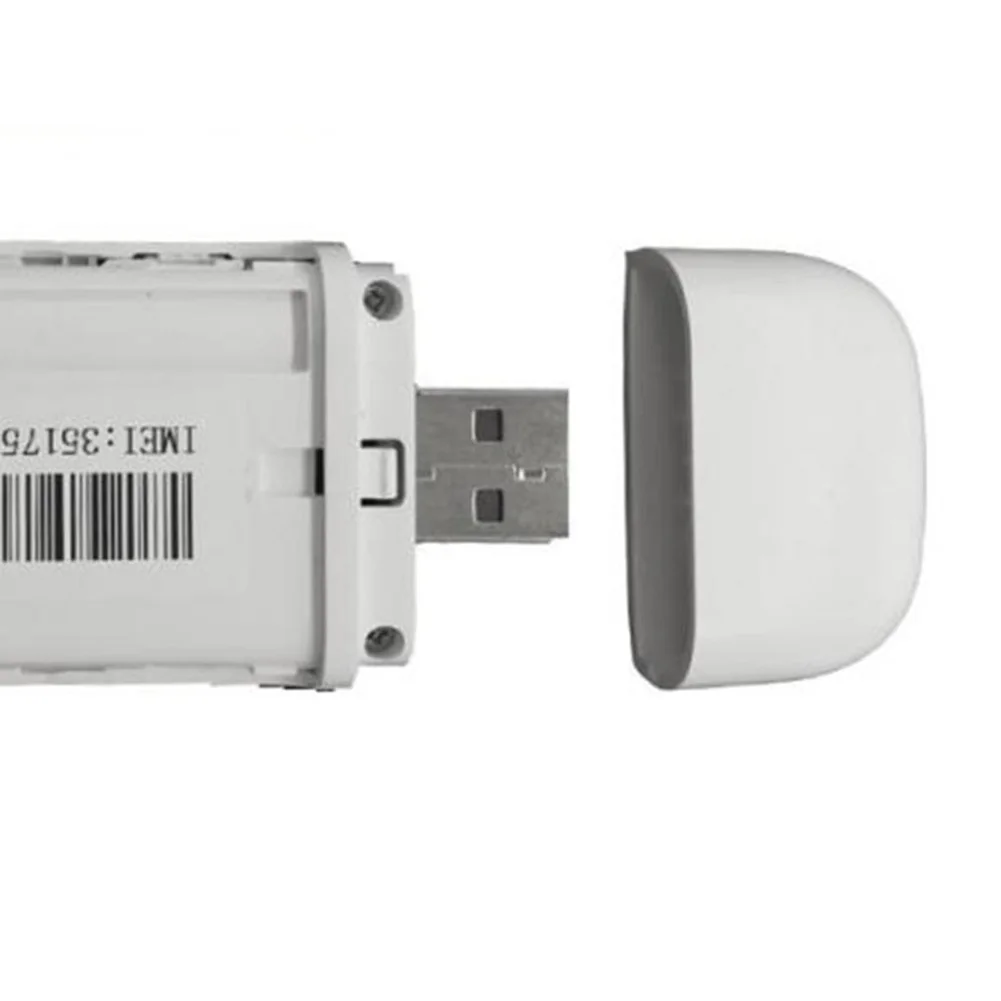
Feature: 1.Not just a 4G USB modem, but also a USB Wi-Fi router. 2.Wireless access works on 3G, 4G and Wi-Fi networks. 3.Convenient and portable, 4GDONG001 is easy to use and stylish. 4.High-speed internet access for office and home. 5.It can also be used with laptops, notebooks, UMPCs and MID devices. 6.Simply insert a SIM card to act as a wireless router, no setup required. Specification: Type: network card Chip: for Qualcomm 9600 Color: White Size: about 95x33mm material: plastic Transmission rate: 150Mbps USB: Standard USB interface Frequency band: B1, B3, FDD, 3G How to use: 1. Push the back cover down. 2. Insert the SIM card with the core facing down. 3. Plug the USB port into a power source for WiFi. 4. Connect to WiFi, you can surf the Internet. 5. Connect to WIFI, open 192.168.100.1 in the browser to enter the background, the background can modify the WIFI name and password to add APN. Note: Due to the different monitor and light effect, the actual color of the item might be slightly different from the color showed on the pictures. Thank you! Please allow 1-2cm measuring deviation due to manual measurement. 
1*4G LTE USB Modem 

|